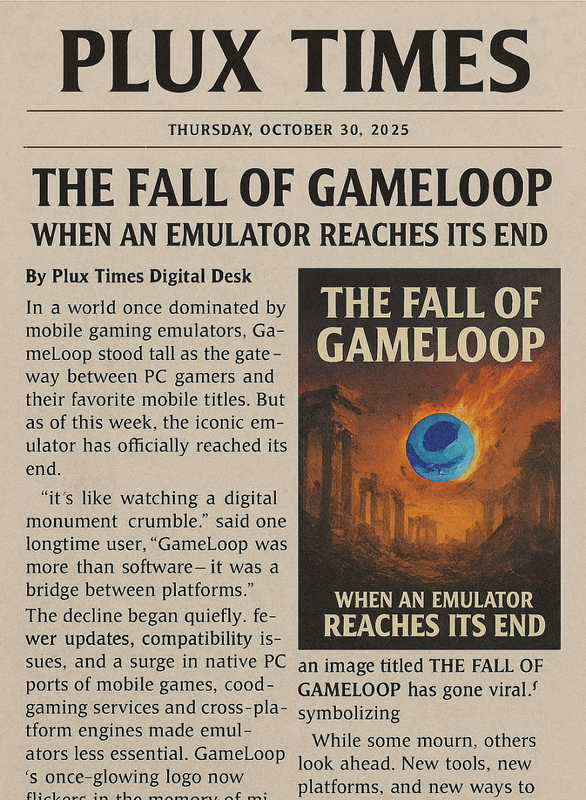
The Fall of GameLoop: When an Emulator Reaches Its End
OpenGL rendering breaks without warning. Some sessions won’t even start. On other days, the app opens but refuses to lock the mouse, killing aim and tracking. Mid-match, the client crashes to desktop or the screen freezes while audio keeps playing. And sometimes, GameLoop simply doesn’t launch at all.
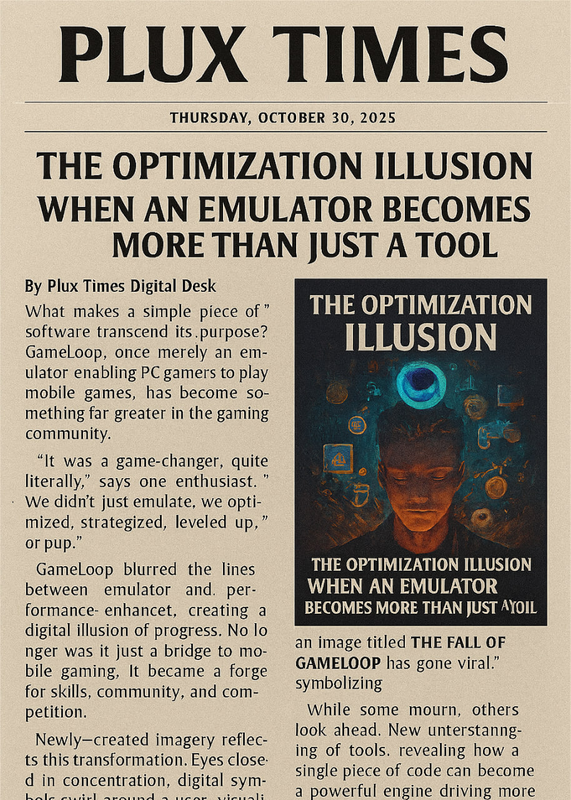
The Optimization Illusion: When an Emulator Becomes More Than Just a Tool
In a world where games have become part of personal identity, the tools we use to play them are no longer just "software." GameLoop, a mobile emulator designed for PC users, appears simple on the surface — yet it reaches deep into the user's mental and emotional experience.
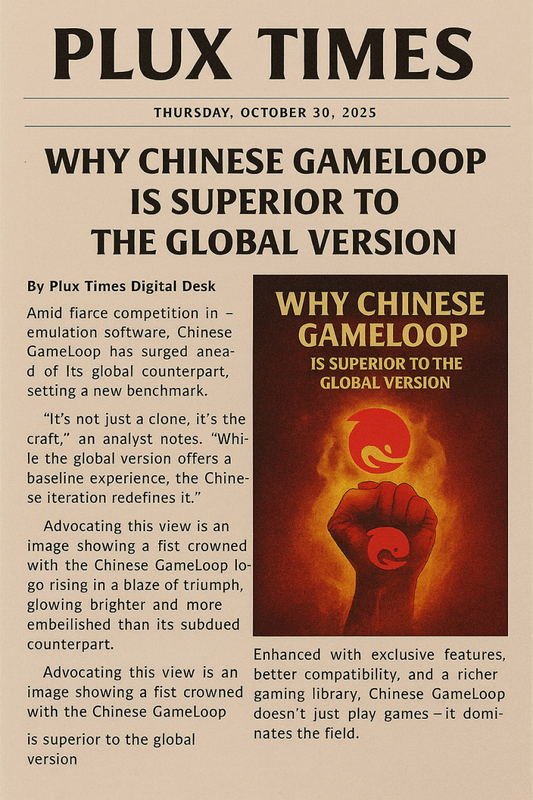
Why Chinese GameLoop is Superior to the Global Version
For years, Tencent's GameLoop emulator has served as the primary gateway for mobile gamers transitioning to PC. However, a growing number of advanced users and streamers have discovered a significant difference between the Chinese version and the Global version.
See what our community says and find answers to common questions
Community Feedback
What gamers say about our optimizations
"Bari Plux's optimization guide completely transformed my PUBG Mobile experience! From 40 FPS to stable 90 FPS. Amazing work!"
SE7EN¹
PUBG Mobile Player
"The Windows optimization tips helped me so much! My game doesn't lag anymore even during intense fights. Thank you!"
2⃫ 2⃫ : 5⃫ 5⃫
TDM Player
"I was about to quit PUBG because of performance issues. Found this website and now I'm enjoying the game like never before!"
Z A H I D
Competitive Player
Frequently Asked Questions
Quick answers to common questions
We recommend updating GameLoop whenever a new stable version is released, typically every 2-3 months. However, for major PUBG updates, you should update immediately for best compatibility.
Yes! Our optimizations are designed to work across various hardware configurations. We have specific guides for low-end, mid-range, and high-end systems. Check the system requirements section for each guide.
Absolutely! All tools and optimizations recommended on our site are thoroughly tested and completely safe. We never recommend anything that could harm your system or violate game terms of service.
Most users see immediate improvements after applying our optimizations. Some advanced tweaks may require system restarts, but you should notice better FPS and smoother gameplay right away.
Yes! Join our Telegram community for personalized help. Our community members and moderators are always ready to help with specific optimization challenges.
100% safe! All downloads are from official sources or our own tested repositories. We scan everything with multiple antivirus programs before making them available.